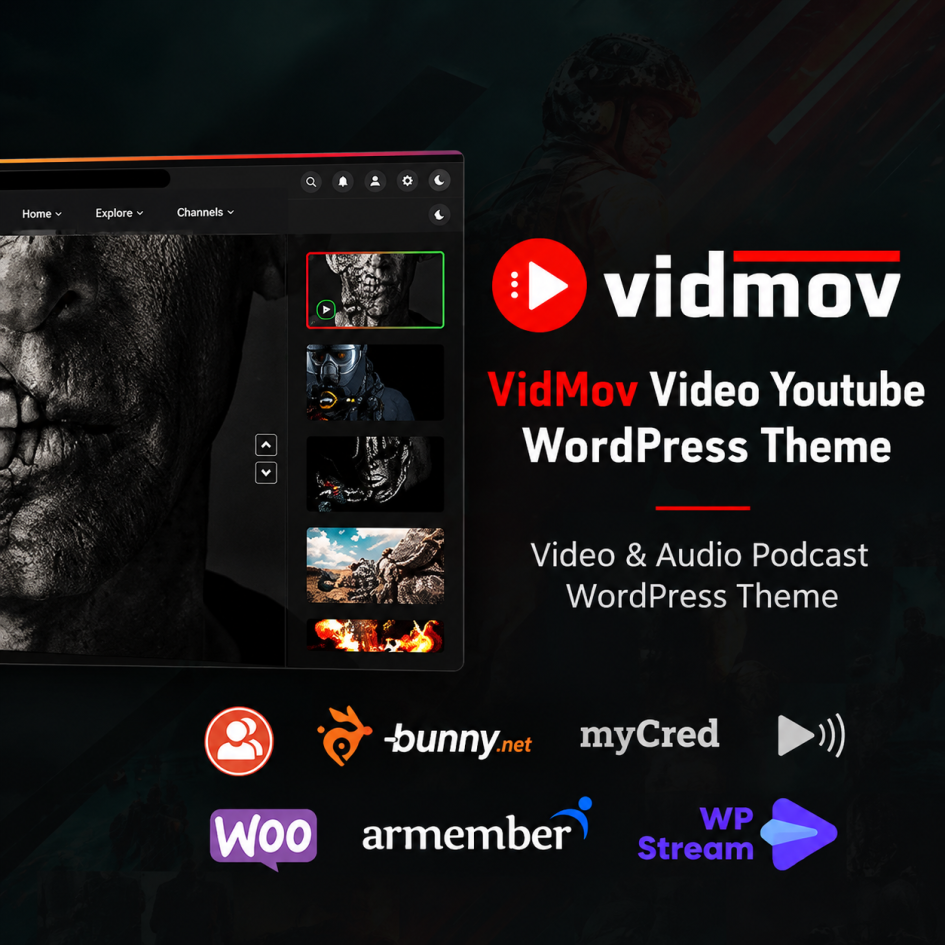
If you want to build a professional video-sharing website similar to YouTube, VidMov – Video WordPress Theme is an excellent option worth considering. Developed by beeteam368, this theme is designed for video platforms, streaming websites, movie portals, music websites, and podcast communities. It combines video publishing tools, community features, and monetisation options to help you create a complete multimedia website using WordPress.
Modern Design and Customisation
VidMov offers a responsive layout designed to work across desktop computers, tablets, and mobile devices. Its multiple header styles, blog layouts, and homepage designs give you flexibility when building your website. The theme also integrates with Elementor, allowing you to customise page layouts using a visual drag-and-drop editor.
The one-click demo import feature is particularly useful for beginners who want to get their website started quickly. You can import a demo layout and customise it to match your brand without building every page from scratch.
Powerful Video Features
One of VidMov’s biggest strengths is its support for multiple video sources. You can publish videos from YouTube, Vimeo, Dailymotion, and self-hosted files. It also supports HLS streaming, subtitles, and video playlists.
The theme includes useful features such as channels, series, watch history, watch-later lists, trending videos, subscriptions, ratings, and reactions. These tools help create an interactive experience where visitors can discover content and return to your website regularly.
Another advantage is its support for audio content, music, and podcasts. This makes VidMov suitable for creators who want to manage different types of media from a single WordPress installation.
Monetisation and Membership Options
VidMov offers several ways to generate revenue from your content. Its features include video advertising, membership integrations, subscriptions, and pay-per-view functionality. Support for WooCommerce and myCred also opens up additional possibilities for selling products, digital content, and virtual credits.
For video delivery, integration with Bunny Stream can help simplify hosting and streaming workflows. However, some features require additional plugins, external services, or suitable server resources, so you should check the total operating costs before launching.
Pros and Cons
Pros:
- Extensive video and audio publishing features.
- Support for YouTube, Vimeo, and self-hosted videos.
- Elementor integration and demo import.
- Community features, playlists, and user channels.
- Multiple monetisation possibilities.
- Regular updates and detailed documentation.
Cons:
- The large number of features may overwhelm beginners.
- Some functionality depends on third-party plugins or paid services.
- Self-hosted video requires adequate storage, bandwidth, and server resources.
- Customisation and configuration may take time.
Final Verdict
VidMov is a strong choice for anyone planning to build a video-sharing platform, streaming portal, or multimedia community with WordPress. Its combination of video management, user engagement, customisation, and monetisation makes it more versatile than a standard blogging theme.
Although the learning curve and additional service costs deserve consideration, VidMov provides an impressive feature set for its listed $59 regular licence price. Overall, it is worth considering for creators, entrepreneurs, and businesses looking to launch a feature-rich video website without developing everything from scratch.
Leave a Reply